1. StudioNo. 01.11
Picture QR
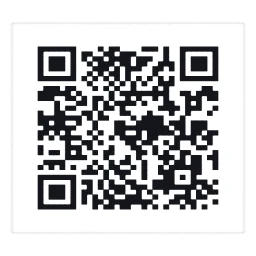
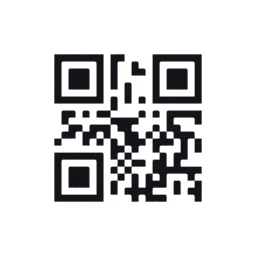
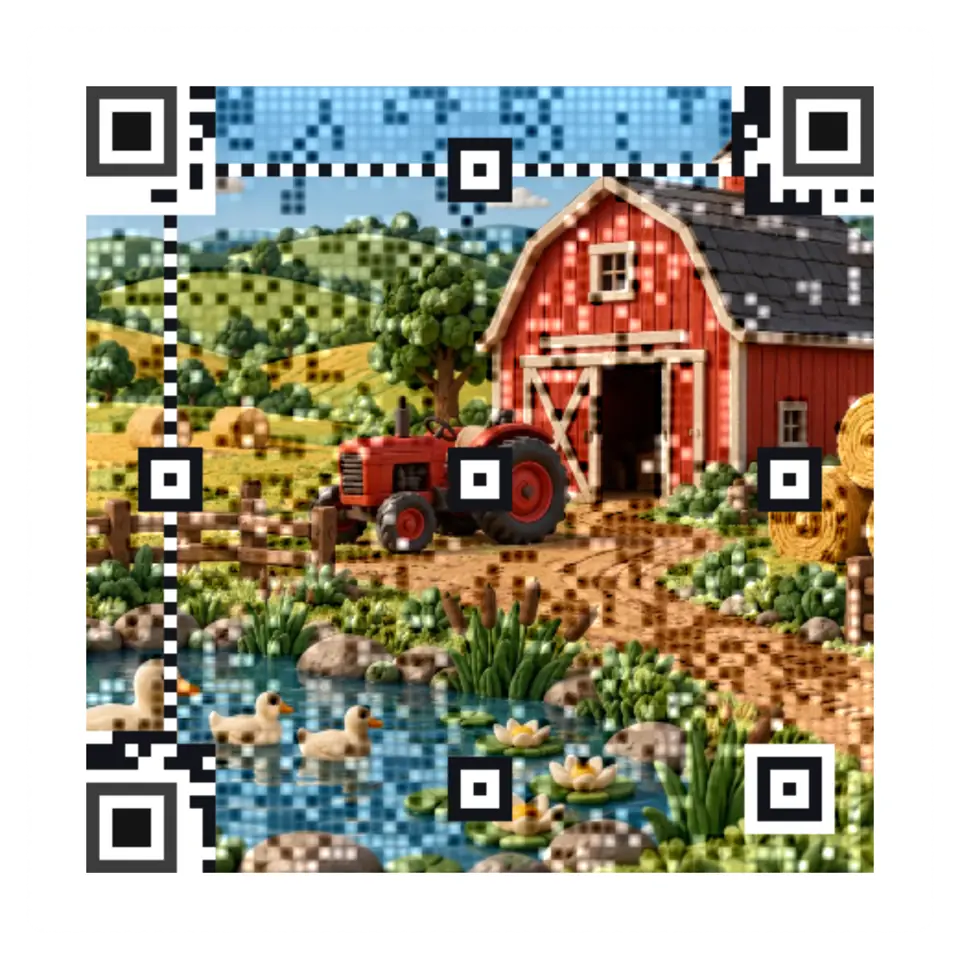
A QR reader samples the center of each module.
Handling
Pick a picture or open your own, then tap to send a ripple through it.
Its tag
- Shelf
- 1. Studio
- Kind
- Built from a recipe
- Sound
- Yes
- Licenses
- MIT, Own work, CC0, Apache-2.0
On the wall it weighs 11.5 KB: 1,016 splats, fitted to pictures of the full Splash, which opens with 13,106.
Its controls
| Control | Kind | Range | Start |
|---|---|---|---|
| Send a ripple | Tap | ||
| Send a ripple | Button | ||
| Shape | List | 2 choices | Square |
| Frame | List | 3 choices | Feather |
| Picture detail | List | 3 choices | Clear picture |
| Contrast | Setting | ||
| Center dot | List | 3 choices | Small (a third) |
| Error correction | List | 4 choices | H: 30% |
| Picture style | List | 2 choices | Color |
| Code size | List | 4 choices | Most detail that scans on a phone |
About it
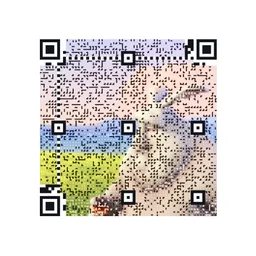
A QR reader samples the center of each module. Picture detail sets how Picture QR keeps that bit. Dots, the default, makes your picture a mosaic of small dark and light dots, each module's center dot dark or light for its bit. Clear picture keeps the picture as it is and darkens or lightens a soft square on each module whose picture fights its bit. Clear picture, small dots does the same with a small dot at the module's center instead of a square. Finder eyes, timing lines, and format information stay clear.
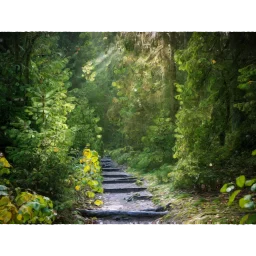
Drag and zoom the crop of any picture, a sample or your own, under Fit your picture. Fit the square code keeps the whole picture with light padding. Fill the whole circle carries it across the disc. Only crop settings enter saved scenes and links; your picture stays on your device.
On a Circle, Frame sets what lies around the code. Feather, the default, carries the picture out to the circle's edge, lightened toward white near the code and around its eyes. Continuous carries the code's own pattern on across the picture to the edge. White square keeps a plain white border around the code, which readers find most easily.
It opens with the lowest contrast and the most detail that scans on a phone, and checks its code at phone size first. Make it scan finds a nearby version with more contrast, a bigger center dot, or stronger error correction. New border choices use a pale band, and Eyes changes the finder shape.
Clear picture keeps more of the picture and checks both readers before showing it; difficult pictures can take longer.
Save as makes a PNG at 1,024, 2,048, or 4,096 pixels (or the largest your device allows) or an SVG. Each is drawn again from the code's own modules, dots, and colors, so its edges stay sharp at any size, and each is read back before it is saved. An SVG keeps the shapes, so Clear picture, which blends its picture from cell to cell, saves as a PNG only.
Crop, border, and eye controls made by Ryan Kamp, MIT.
Details
- Splats
- Opens at 200,000 at Mid Detail, 120,000 at Low, and up to 880,000 at Max
- Your own files
- image/png, image/jpeg, image/webp, image/avif, image/gif
Sources and credits
Libraries
- MIT
- gifenc 1.0.3
- Apache-2.0
- jsQR 1.4.0 (lane LSTUDIO)
- MIT
- QR Code generator library (Project Nayuki)
- MIT, Apache-2.0
- zxing-wasm 3.1.4, with zxing-cpp (copied from Splashery)
- MIT, Apache-2.0
- ZXing for JavaScript 0.21.3 (lane LSTUDIO)