What else Splashery does now
This chapter lists what is on the site today, beyond the Splat Equation Splash and picture
Splashes you have read about. It describes only what is built. The labs switch hides
newer parts until they are ready: add ?labs=1 to the site's address to turn it
on (the browser remembers it; ?labs=0 turns it off). Each paragraph says what
is behind it. The same list is a page on the site:
What Splashery can do.
The screen itself, with its buttons, keys, and views, is on its own page:
Using Splashery.
Hands-on physics
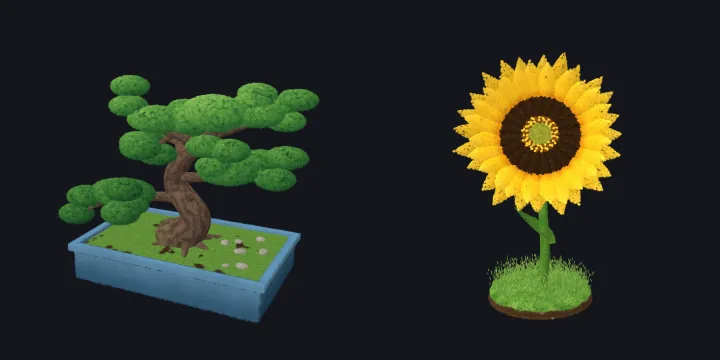
With the ✋ switch on, a drag picks up whatever is under your finger and a quick let-go
tosses it. It lands, bounces, and settles on the floor under the Splash, inside an invisible
play area, and soft Splashes squish when they land. The ↺ button sends everything home. Most
Splashes play this way, scans included, as one rigid body
(src/splashery/physics/hands-on.js). A recipe can turn it off (handsOn: false), and picture Splashes and still Splashes play only if the recipe opts in
(handsLevel1) or has joints. A recipe's hands block can instead
make its pieces separate bodies, so a Splash can have its own interactions. This is not
behind the labs switch.
The QR Code Splash
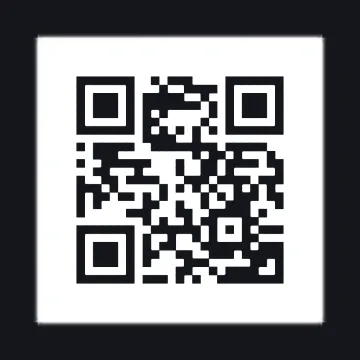
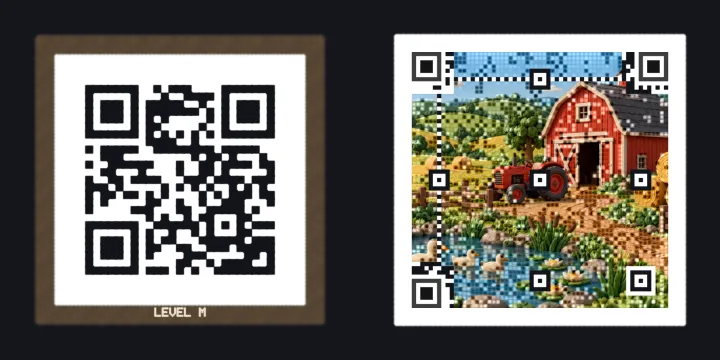
The QR Code Splash makes a code from a link, plain text, a Wi-Fi network, a contact card, or an email, and builds it from splats. Its motions (assemble, flip, burst, and return, and an "alive" color wave) move each piece as a solid tile, and the alive wave keeps the gray values a reader sees unchanged, so each frame still scans. After every change the Splash draws the code flat and square to a camera at the code's face, off screen, and reads that picture back, to check that it scans. The camera you see does not turn for it, so the stage is never covered and nothing flashes. The reader is the browser's own detector where there is one, and otherwise the vendored jsQR library; nothing leaves the device. A Wi-Fi password is not kept in a link. This Splash is behind the labs switch.
Captures and file formats
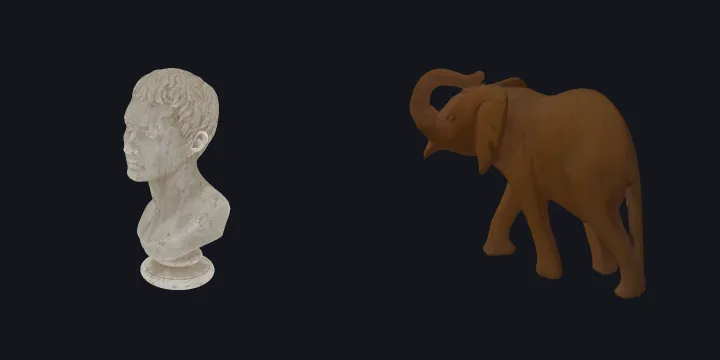
The viewer opens .ply, .sog, .splat, and
.spz files (version 4 SPZ files, which need a decoder Splashery does not ship,
are refused with a message). To open a file of your own, choose Open your own splat file…
under Save on More's Share tab, or drop the file on the page. A file opened this way has no
Splash sheet, and it stays on your device. Files can carry spherical harmonics, the
view-dependent color the kit's splats do not use. The Photoreal shelf holds captures with
their licenses and credits. The newer captures each ship as a full file and a lite file, and
some keep a band of spherical harmonics on the full file. Many of the newer captures are
behind the labs switch.
Camera, microphone, and screen
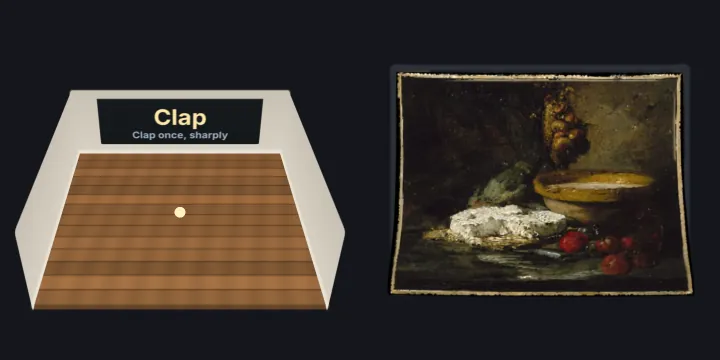
A Splash can read the microphone, the camera, or a shared screen, but only after you tap a button for it. Nothing is requested before that tap. A button on the stage's column, just above Record, starts and stops the source, with a red dot while it runs, and the sound or pictures stay on your device: nothing is sent anywhere, and nothing is recorded unless you ask. (One exception: a recorder, such as Splat Mirror's, records only after you tap Record, keeps the recording on your device, and saves it only to a file you choose.) Two examples are the Room Echo Meter (clap, and it measures how long the room rings) and Splat Mirror (your camera as splats, with a depth model that loads only after you start the camera: 27.3 MB, or about 77 MB the first time where the browser has WebGPU). Both are behind the labs switch.
Books, albums, and frames
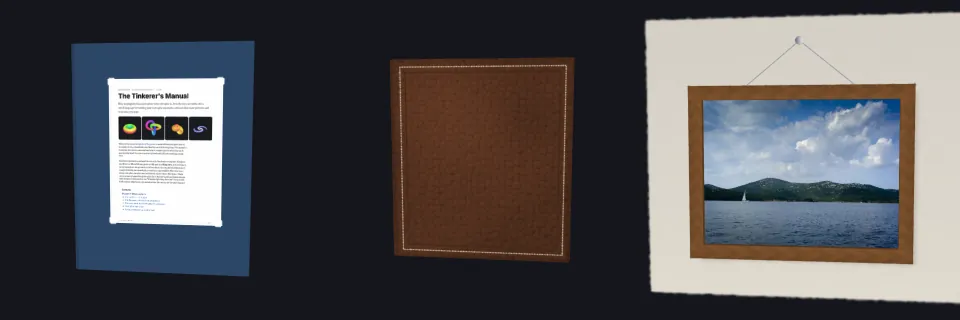
Splash Book turns the pages of a PDF as paper: a page is a leaf with a front and a back, the engine can re-sort the splats of a turning page where it stands, and a turn waits until the next page is ready so it never shows a blank one. The words of a PDF page are available from its text layer, and links in the PDF are tinted on the page. Photo Album opens several photos at once, and Picture Frame lets you list them and move each up or down. These Splashes are behind the labs switch.
Studio: sound and photos
The Studio shelf turns other things into splats on your device. Song Landscape makes a spectrogram of a song you open into a 3D field, and the Chladni Plate shows sand finding a plate's still lines. 3D Photo runs a depth model on your device, works out how far each part of a photo is, and lifts the photo to those depths: as a sharp relief by default, or rebuilt as splats (Chapter 8). The Studio Splashes are behind the labs switch.
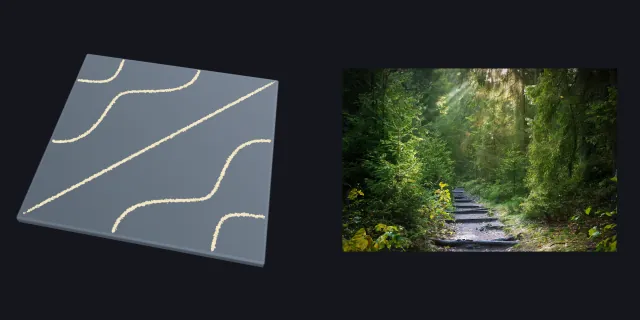
Model to Splats
The Model to Splats Splash opens a glTF or GLB file, an OBJ with its MTL, or an STL file and
turns it into splats on your device: flat discs on the surface, more of them where there is
detail, each sized to its neighbors so the surface closes, and colored from the model's
texture, vertex colors, or material. A Splash's input can take several files at once, for a
glTF with its .bin and textures. This Splash is behind the labs switch.
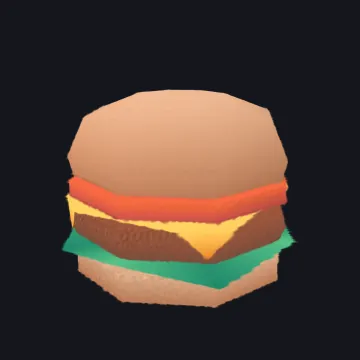
Fluids, songs, and smooth bodies
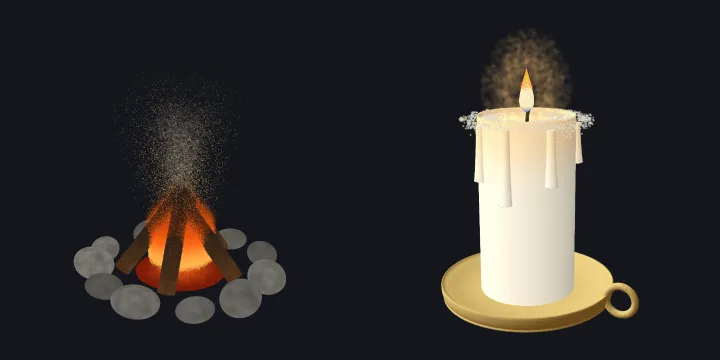
A recipe can declare a liquid, a gas or a flame with k.fluid. It is simulated
while the Splash is open, and the engine loads only when such a Splash opens. It is drawn as
splats (src/splashery/fluids/render.js): each liquid particle is four small
splats, and foam, smoke, flames, and sparks each have a shape of their own. A keyboard
Splash can play songs from its own list, a MIDI file, or a tune pasted as ABC notation, with
every key, hammer, and string moving as a solid piece. Recipes can also join shapes into one
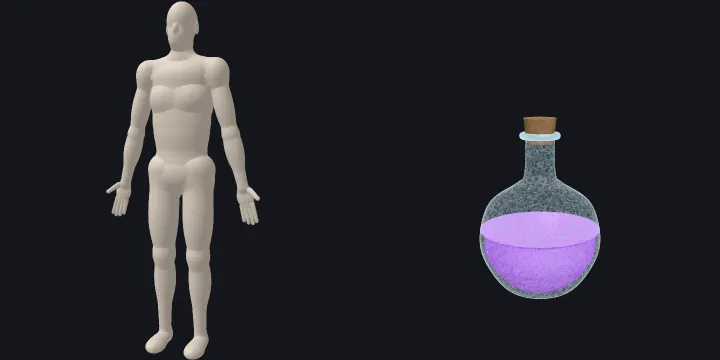
smooth body and place one Splash's recipe inside another's (the Anatomy Atlas does both).
The Fluid Lab, the Anatomy Atlas, the Water Bottle, and the Soda Can are behind the labs
switch; the Potion Bottle is not.
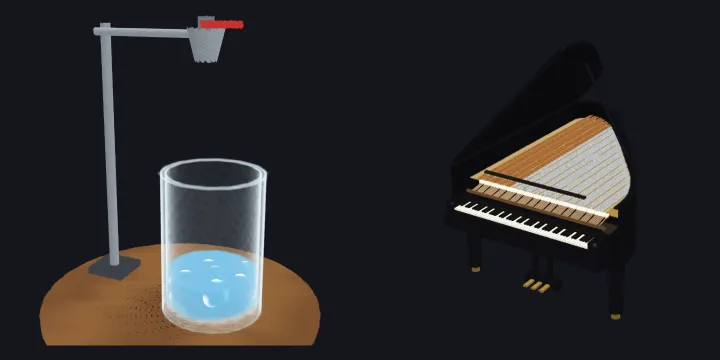
Pianos, recordings, and falling keys
A piano's song panel opens a recording as well as a MIDI file: an MP3, WAV, M4A, OGG, or FLAC file, or the sound of a video. The page works out the notes on your device and plays them on the keys, and nothing is uploaded. It listens with one of two models, loaded only when a recording is opened. For a piano, it uses a piano model (CC BY 4.0, 41 MB, run on WebGPU where the browser offers it). For any other instrument it uses Basic Pitch (0.23 MB, Apache 2.0). On 60 seconds of a real piano, the piano model found the notes at an F1 score of 0.968; Basic Pitch scored 0.667. On four clips of a real guitar the piano model scored 0.48 to 0.73 and Basic Pitch 0.67 to 0.73. (F1 is 1 when every note is found at the right time and pitch and nothing extra is added.) While a recording is heard, the stage holds its frames, and the status ring beside the pill says how far it has come, with a Stop button.
The song panel's Watch the keys and the stage's falling keys button open the Falling Keys view, which draws the song as notes falling onto a keyboard that you can play (see Using Splashery). On the grand and upright pianos, the harpsichord, and the electronic keyboard, a tap on the Splash plays the whole song. The Grand Piano's first song is Gymnopédie No. 1, ahead of Für Elise.
Sound
Loudness. A single sound is at most −20 LUFS in its loudest 400 milliseconds, and what plays at once is held to about −16 LUFS. LUFS is a meter's reading of loudness, weighted the way ears hear; a more negative number is quieter. Measured with the limit off, one tap reached −12.8 LUFS against a median of −27.8, a tap that runs up a keyboard reached −9.8, four quick taps −10.8, and a drag across keys −9.6. Thirty-nine voices and 49 Splash sounds are set to stay under the limit, and of 415 single sounds, none is louder than −19 LUFS. An AudioWorklet leveler holds a burst, such as a drag along a piano's keys or a run of quick taps, under the ceiling from its first notes.
Recorded hits. Nine Splash sounds that sounded most synthetic play CC0 recordings from Kenney's Impact Sounds instead: the lid of the Treasure Chest and of the Music Box shutting, the Knight's Helmet, the Soccer Ball's kick, the Rugby Ball's kick and bounces, the Medicine Ball landing, the Tomatoes' landings, and the Building Bricks' clicks.
Songs. Sound in a Box and Song Landscape offer the same songs, from one list, in three rows with the same words in both: "Or play a recording:" (Clair de lune (Grand Piano) and the Sample tune), "Or play a tune (made in the page, no recordings):" (Rising scale, Broken chord, Two voices, Ode to Joy, and Twinkle, Twinkle, Little Star), and "Or a longer song, as the piano Splashes play it:" (the piano Splashes' songs, each with its Splash's name). Song Landscape opens on Clair de lune as the Grand Piano plays it: Debussy's score (1905, public domain) played through the Grand Piano's recorded notes, by TEDAgame (CC0), and rendered ahead of time by the site's own piano code into a sound file of 251 KB and 44.9 seconds. It plays from its file as the file arrives, so nothing waits for it to open the Splash, and it is listed once, as the first recording. One song plays at a time: choosing a song stops the one playing, in either Splash, and a song that was paused does not start again when another opens. In Song Landscape a chosen song opens as an opened file does (a short one waits for a tap, a long one plays at once), and choosing the opening song again starts it over.
In Sound in a Box, a new song or clip starts the beads over from the arrangement they opened in, and so does a tone tapped after a song. A song moves them in fixed steps of its own time, 50 a second, so where they lie depends only on the song and the second it has reached: a rewind brings the same beads back, and a seek far from where they are sets the second's pattern at once.
While a song loads, the Splash sheet says so where it was chosen ("Loading Clair de lune…", with its share as a recording arrives), and the status ring beside the pill carries the same words, with Stop, which gives the choice up.
Song Landscape's view. In its default View, Live (scrolls with the music), Song Landscape is framed on the front of its land: a box as wide as the plain, as tall as the land rises, and 2.4 deep, the same for every song, so a long song's land does not open as a thin strip far away. It opens still, tilted 20° and turned 0.15 radians, and a little farther out on a phone held upright. Whole song and the line looks are framed on the whole plain. While only its clock and the turntable move it, it draws at most 30 frames a second (its land moves 25 times a second); a turn, a pinch, or a tap draws every frame. A link to Song Landscape asks for all of its code at once, so it opens sooner on a slow network.
Sound off sets the master gain to 0 instead of stopping, so a song's clock runs on.
Space holds all audio. The Sound Lab, a page in the site's
lab/sound/ folder, plays any voice or Splash sound, changes it with sliders
(gain, pitch, length, brightness, start, and what the voice takes), measures its loudness,
peak, and length, and saves or loads it as JSON.
The microphone. Sound in a Box and the Chladni Plate hear the microphone the way they hear an opened song. A sound's loudness is its height over the room's own floor: 7 dB over the floor is nothing, and 17 dB is full. The floor drops to the quietest level at once and rises 0.1 dB a second, or 2 dB a second while the sound is steady and has had no pitch for a second (a fan, say), so a quiet room's hiss moves nothing. The pitch is the voiced pitch, so a song from a phone's speaker, or a singing voice, moves the beads and the plate.
Labels
A capture can list hotspots: points on the object, each with a title and a short
text. While Labels is on, each shows as a numbered marker, 24 CSS pixels across at
any zoom. Labels is a button on the stage's column. It is off by default, and it is there
only for a Splash that has hotspots. A tap within 22 pixels of a marker opens a panel under
the header (the title, the text, Previous, Next, and a close button) and glides the view to
the point's own in 0.8 seconds. The turntable waits while the panel is open, and a tap
elsewhere on the stage closes it. A marker that the capture hides turns faint and takes no
tap. The markers come with the capture's first frame and stay in focus mode. The Typewriter
has 5, the Ship Model 4, and the Perseverance Rover 22. Each text was checked against a
source, and a claim that could not be checked was left out. The model is SuperSplat's
annotations (see
What Splashery can do that other splat tools can't).
?labels=on opens a Splash with Labels on, and ?hotspots=edit
places new points.
The Arcade
The Arcade shelf has twelve games: Shardball, Longtail, Grain Garden, Page Breaker, Strata, Volley Table, Stone Belt, Soft Landing, Night Owl Pinball, Cast a Shadow, Photo Dash, and Note Rider. All are behind the labs switch. A game runs live on the stage, with its title card and stats below the header and its choices in a row of their own (a list on a phone). It keeps playing through full screen, and its camera and input are released when you leave. A game's touch pad keeps clear of the stage's buttons. Focus mode stays off for a game, because a game needs its controls on the screen.
Shape Morph
Shape Morph, on the Lab shelf, is one cloud of splats that takes a new form in place. A tap, a form button, an option, or Add sends each splat to its place in the new form. The splats keep their order, so nothing is built or sorted again. On a MacBook Pro M3 Pro, at a phone's screen size with 70,000 splats, a tap took 43 ms to the first frame of the new form, with no long task. Its QR form has no white square behind it: only the dark modules get splats, in the theme's dark inks, and the stage's ground turns to the theme's paper while the code shows. It scans without inverting. Colors are Overprint (teal to pink) and the QR Code Splash's 12 palettes. The loop's splats are sized so that each is large enough to draw. This Splash is behind the labs switch.
Solid, Fine, and Dots, and the detail you see
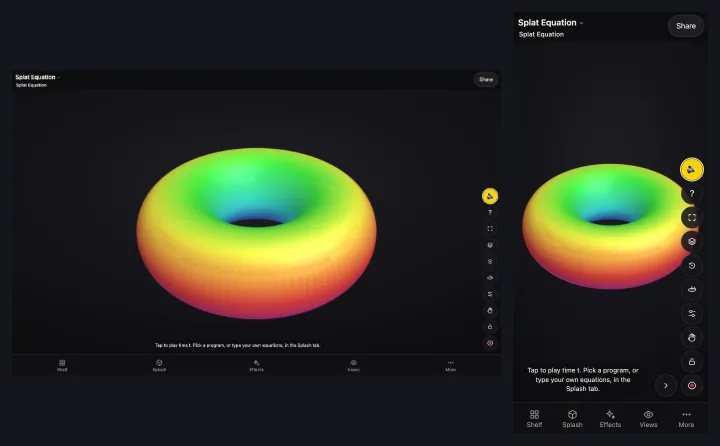
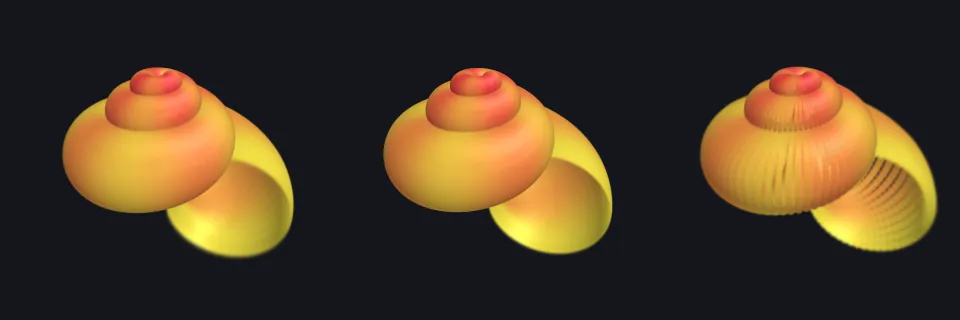
The Splat Equation Splash has three looks. Solid lays a surface's splats flat along it so they close into a clean shape, Fine uses up to four times as many smaller splats within the device's budget, and Dots shows each splat you programmed as its own round dot. The Splash also asks for the sharper labs kernel. Beyond that Splash, the viewer's Detail setting (Auto, Low, Mid, High, or Max) lives in your browser only, never in a link, and on every Splash, frames that stay slow bring a one-time offer to switch to Low. Those two are not behind the labs switch; the Splash and the sharper kernel are.
The Splats slider, in Detail and splats (the stage's button, or More, then Settings),
sets an exact count, up to the Splash's own top. A kit Splash can reach about 1,000,000; on
the Torus it runs from 100,000 to 1,000,000 and opens at 200,000, and on a capture such as
the Grape, from 75,000 to its own 300,000. The slider is for everyone. Its count is in the
link, as n=, though the Detail tier is not. Copies come only from Add a copy
and Remove a copy. A Splash picked from the shelf opens at its own count, not at the last
Splash's. While the slider moves, the Splash previews the share of its splats the new count
would keep, the same splats always staying, so a bigger share holds a smaller one. The build
at the new count follows when the slider rests.
Auto picks Low, Mid, or High from the device and never picks Max. Low, Mid, and High are pixel budgets of 0.45, 1.1, and 2.0 million pixels for the stage; Max draws at the screen's own pixels, up to a ratio of 3. Slow frames offer a "Running slowly: switch to Low?" message, once for each Splash in a tab's session; its ✕, a sideways swipe, or Escape closes it.
The viewer's controls
The screen itself has its own page, Using Splashery: the focused and everyday layouts, the stage's buttons, focus mode, gestures, keys, the sheets, names and search, and the views. A Splash's input can take a typed text, a drawing, a file, a binary file such as a sound, or several files at once. These controls are for everyone.